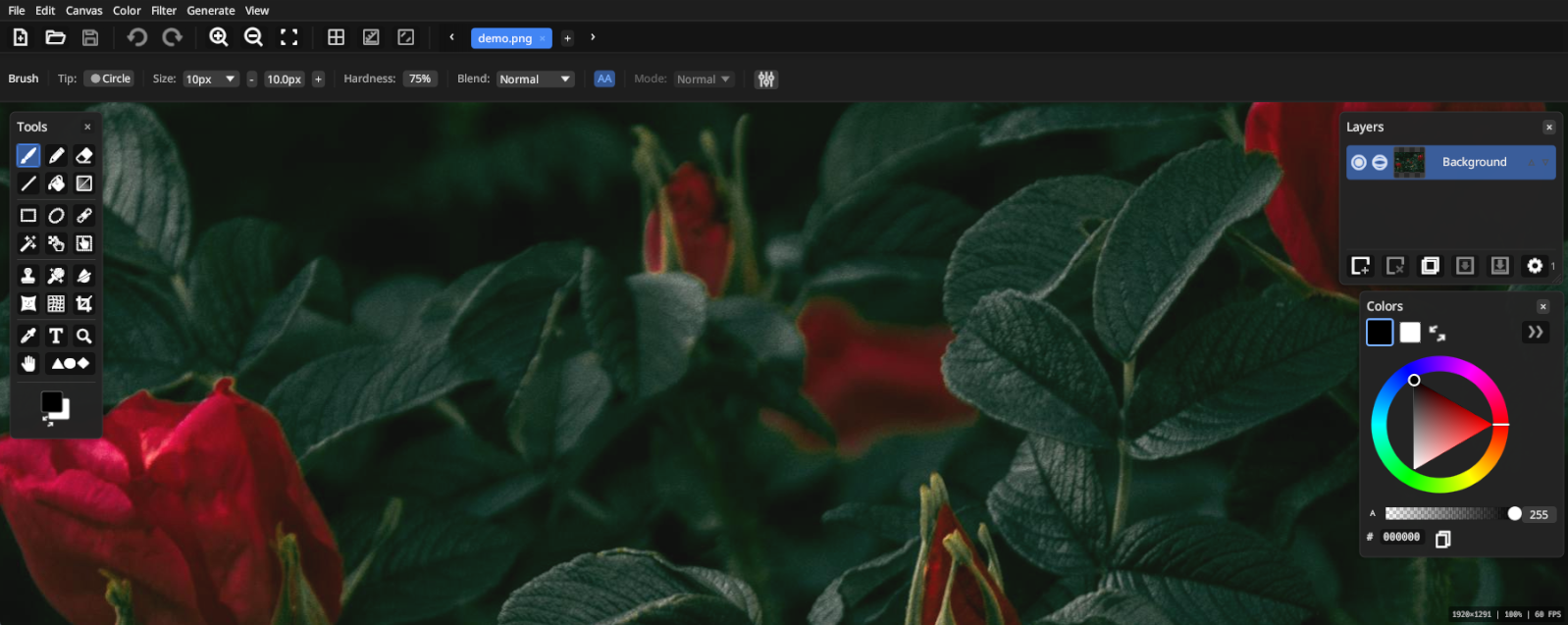
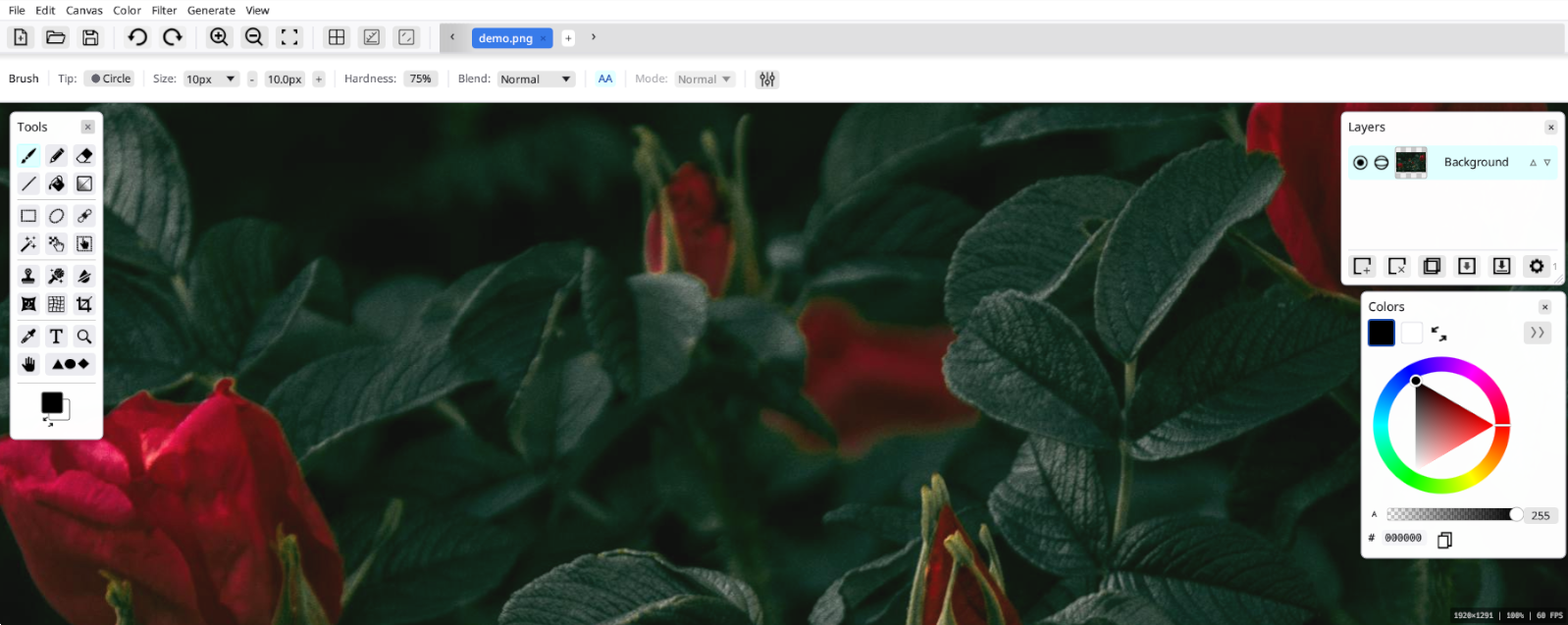
PaintFE running on Windows 11 — dark theme
PaintFE is a fast, lightweight, native raster image editor built in Rust. Single portable binary. No install, no subscription, no cloud. No AI generating your art without permission. Just a powerful, honest tool. Yours to keep.
Single binary under 30 MB. No installer, no internet connection, no telemetry, no auto-updater. Your files never leave your machine.
PaintFE running on Windows 11 — dark theme
Every design decision traces back to one question: does this help the artist do better work faster?
No garbage collector pauses. No JVM warmup. No Electron tax. PaintFE compiles to a slim native binary that starts in under a second and runs at full CPU speed from frame one.
Honestly, the lead developer wanted to learn Rust and built this project to do it. What started as an experiment with the language and some new coding tools turned into something worth shipping.
edition = 2024 · wgpu 0.20 · rayon 1.7
Compositing, gradient generation, liquify warping, and mesh warp displacement all run on GPU via WGSL compute shaders through the wgpu API. The GPU pipeline handles 4K canvases at interactive frame rates, with CPU fallbacks when no GPU is available.
Full layer stack with 25 blend modes: Normal, Multiply, Screen, Overlay, Soft Light, Difference, and many more. Per-layer opacity and non-destructive compositing.
Background removal via local ONNX models (BiRefNet, U²-Net, IS-Net). You bring the model, it runs on your machine. No API calls. No data leaves your computer.
Automate anything with the embedded Rhai scripting engine. Pixel loops, built-in filters, live canvas preview. All from a built-in code editor.
Copy-on-Write tiles mean undo snapshots only store what changed. A full-canvas snapshot at 4K takes ~36KB instead of ~64MB, making deep history practical even on modest hardware. Browse your history in the History panel and jump to any state instantly.
Ships with full UI localization in English, German, French, Spanish, Italian, Portuguese, Russian, Japanese, Chinese (Simplified & Traditional), Polish, Dutch, Turkish, Belarusian, and more.
Brush, Pencil, Eraser, Line, Fill, Gradient. Brush tip library, variable spacing, and soft/hard edges.
Rect, Ellipse, Lasso (freeform), Magic Wand, Move Pixels, Move Selection. Add/subtract/intersect modes.
Clone Stamp, Content-Aware Fill, Color Remover, Liquify, Mesh Warp (Catmull-Rom), Perspective Crop.
Color Picker, Text tool (system fonts), Zoom, Pan, 17 Shapes (ellipse, star, heart, and more).
PaintFE includes exactly one AI feature: background removal. It's local, optional, and you control everything. No cloud. No subscription. No model training on your images.
Point PaintFE to any compatible ONNX model on your drive. BiRefNet, U²-Net, and IS-Net are all supported and auto-detected.
ONNX Runtime is loaded dynamically. Install it once and it works offline forever. Your images never leave your machine.
Background removal is a tool, not magic. It works best on clear subjects. PaintFE shows you the result as a layer you can refine. No false promises.
We know AI affects creators deeply. PaintFE's AI tools are strictly assistive: they help you remove backgrounds, not generate art. Your creativity remains yours.
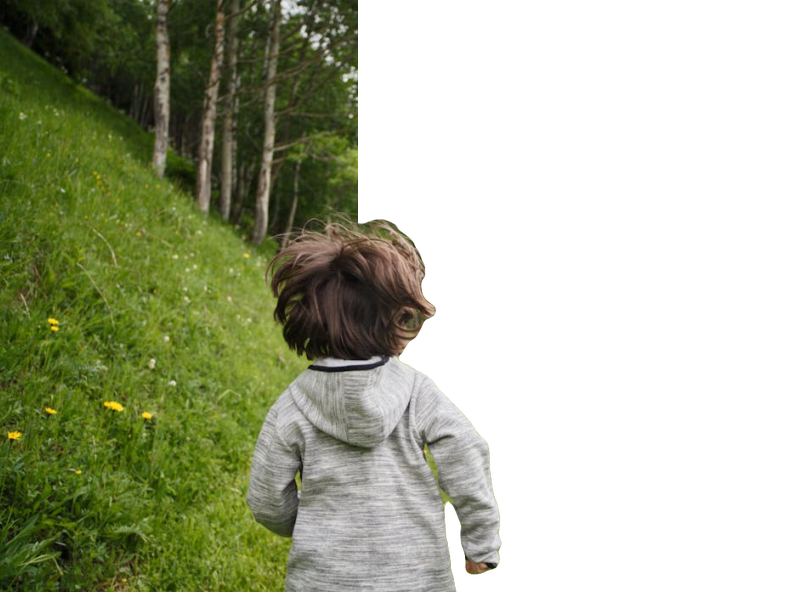
// Dramatic B&W with vignette
apply_desaturate();
apply_brightness_contrast(10.0, 40.0);
apply_vignette(0.5, 0.3);

// Custom per-pixel effect
map_channels(|r, g, b, a| {
    let warm_r = clamp(r + 15, 0, 255);
    let cool_b = clamp(b - 8, 0, 255);
    [warm_r, g, cool_b, a]
});

// Live preview while running
for i in 0..5 {
    apply_hsl(0.0, -5.0, 0.0);
    sleep(150); // canvas updates live!
}PaintFE embeds a full Rhai scripting engine. Write pixel manipulation scripts, chain filters, create custom effects, and watch them execute live on your canvas.
PaintFE reads and writes industry-standard formats plus its own lossless project format.
PaintFE isn't trying to replace Photoshop or GIMP. It's its own thing: fast, native, scriptable, and free. No asterisks.
PaintFE's rendering pipeline was designed around 4K from the start. Every bottleneck has been profiled and addressed.
GPU only reads back the pixels that changed. A 40×40 brush stroke uploads ~6KB instead of ~33MB at 4K.
GPU readback bytes are cast directly to Color32 via bytemuck. Zero CPU work for 4K (8.3M pixels).
GPU textures are reused across frames via set_partial(). No allocation/deallocation churn or flicker.
Double-buffered staging with ping-pong for non-blocking composite during interactive strokes.
PaintFE is open source software under an open license. No trial, no feature gates, no "pro" tier. Download it, use it, share it.
MIT licensed · No installer required · Portable binary